Keep your sailing and rest times without retyping
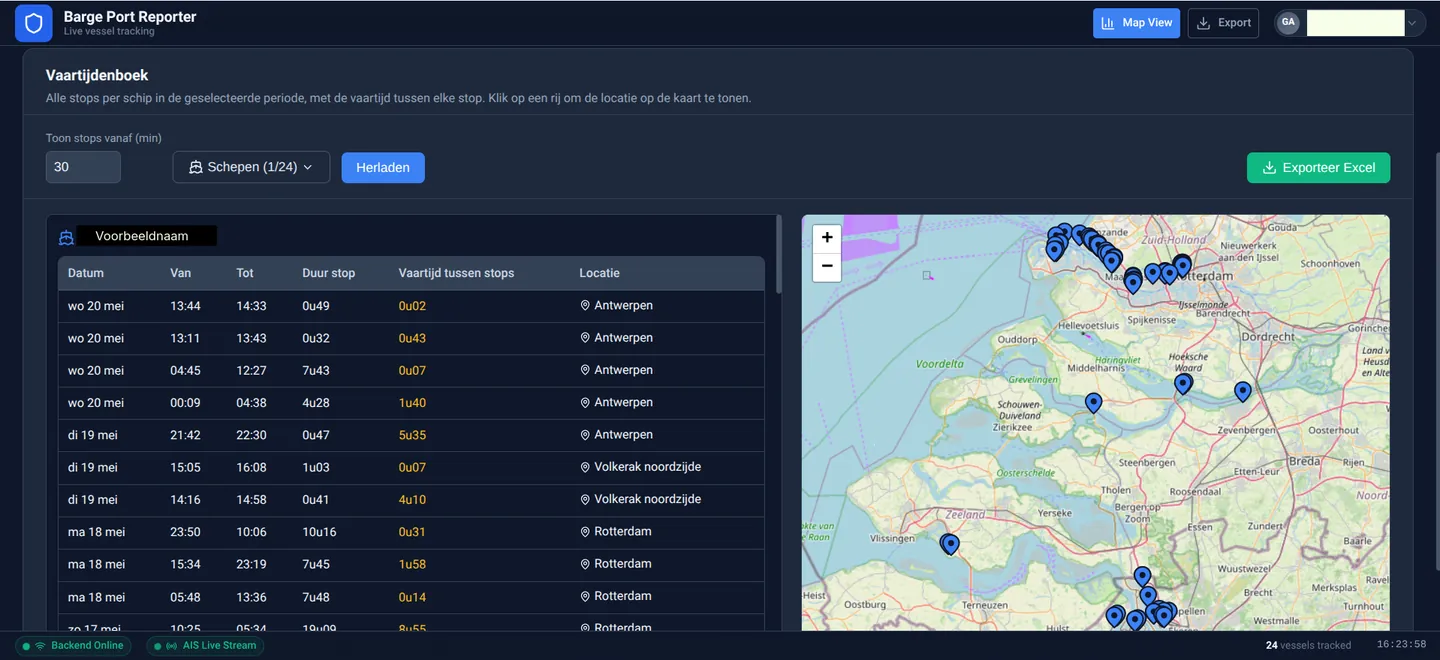
Retyping everything at the end of the week: every skipper knows it. BargeFlow Port Reporter works out sailing and rest times from your vessel’s AIS data, so you have the times ready for your sailing log.
Per vessel and per day you see at a glance whether the rest times add up, and if something does not, you also see why.
How it works
The AIS positions show when your vessel is sailing and when it lies still. From that, sailing and rest times are worked out per duty period, following the rules for sailing and rest times (RSP 18.01–18.03).
Rest counts from the last full rest
Not per calendar day. A night rest across midnight is simply a night rest.
Locks count as sailing time
Waiting at a lock is not rest, unless it is a full rest.
No data is not a mistake
If AIS data is missing, the day is marked ‘no data’. Nothing is filled in that is not there.
What you see per vessel
- A weekly overview with per day: in order, attention, no data or too little rest.
- Per day an overview with timeline, duty periods and distance sailed.
- Crew changes, operating mode changes and tachograph recorded per day.
- Export to Excel, ready for the office.
Which operating modes?
Sailing and rest times are judged for operating modes A1 and A2. For B and NVT you do see the times, but without a judgement.
A tool, not a replacement
The official sailing log still has to be kept on board, and what is in it remains the skipper’s responsibility. BargeFlow Port Reporter helps you fill it in and check it. AIS data is a handy basis, but it can be incomplete at times.
Rest times and crew
Want to read up on the rules for A1, A2 and B, or quickly check a day? That is what the free rest-time check is for. How much crew you need, you work out with the free calculator on bemanningsterkte.nl (in Dutch).
- Rest times in inland shipping, with a rest-time check
- Crew strength calculator (bemanningsterkte.nl, in Dutch) — free calculator for the minimum crew